Single
$6.89
$6.89 per video
- 1 × 15s 720p video
- All templates, music included
- No watermark, instant download
 Zombie CoupleVIDEOS
Withered field to golden sunflowers
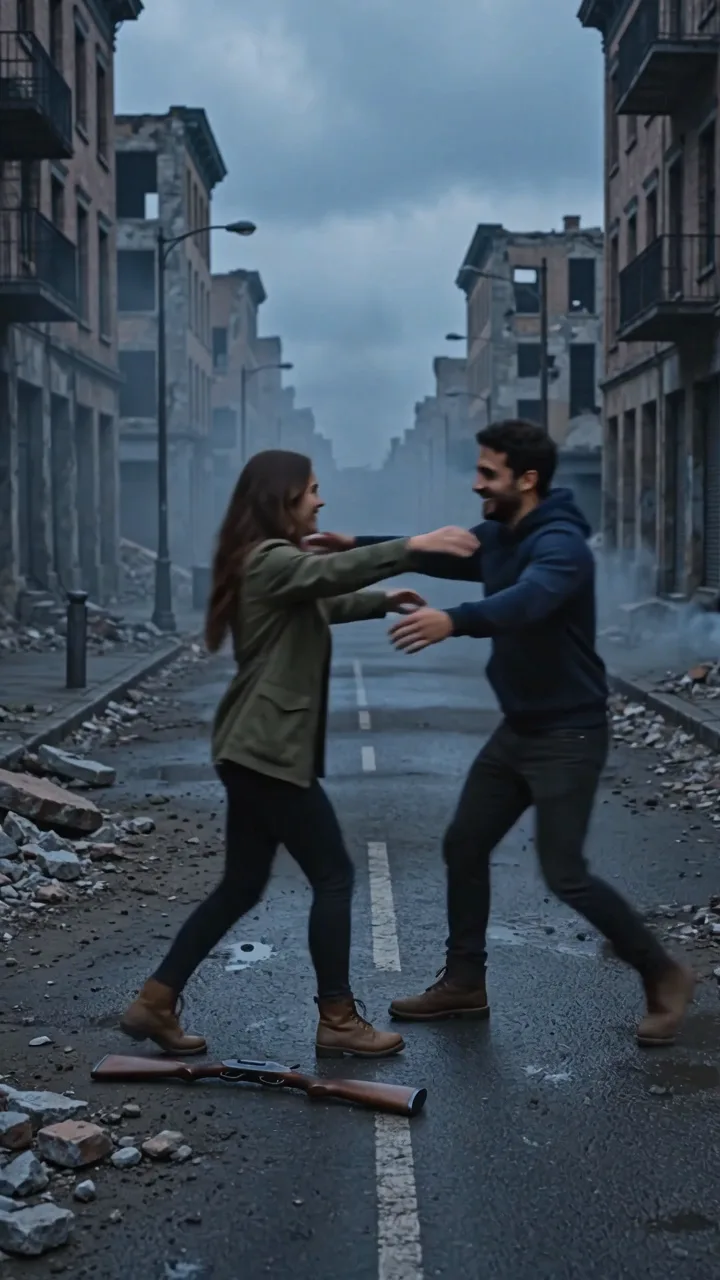
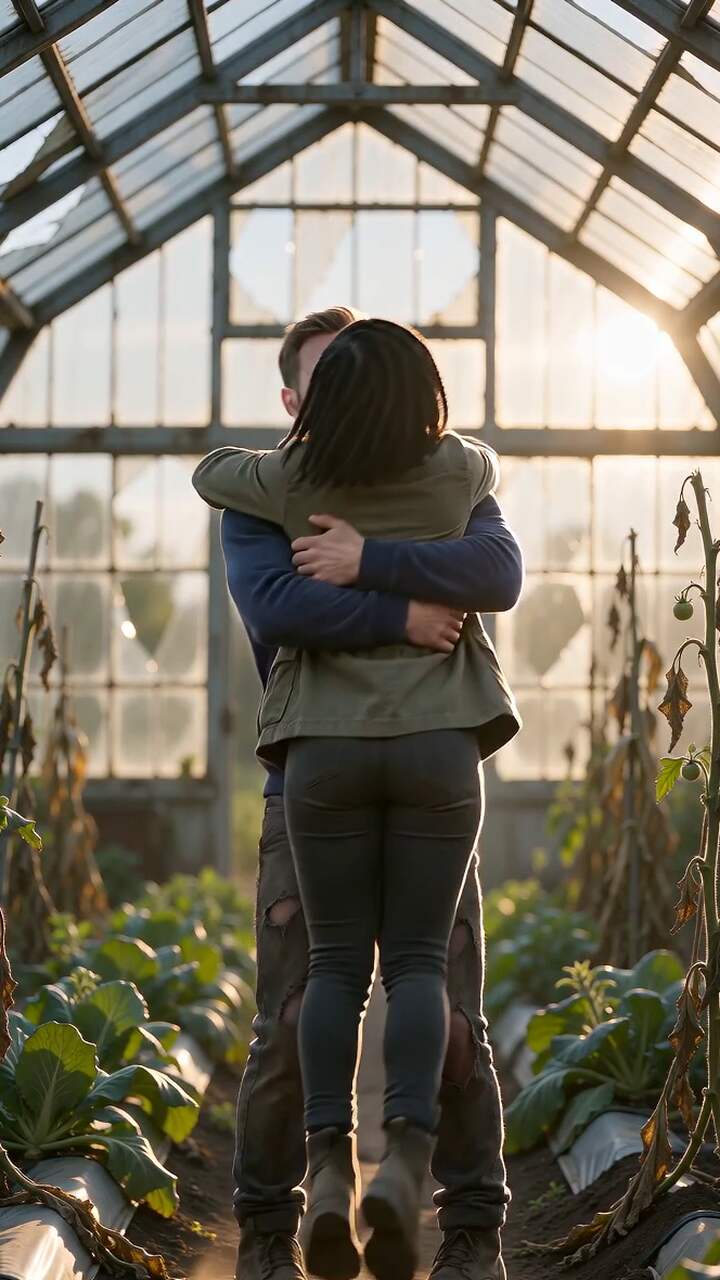
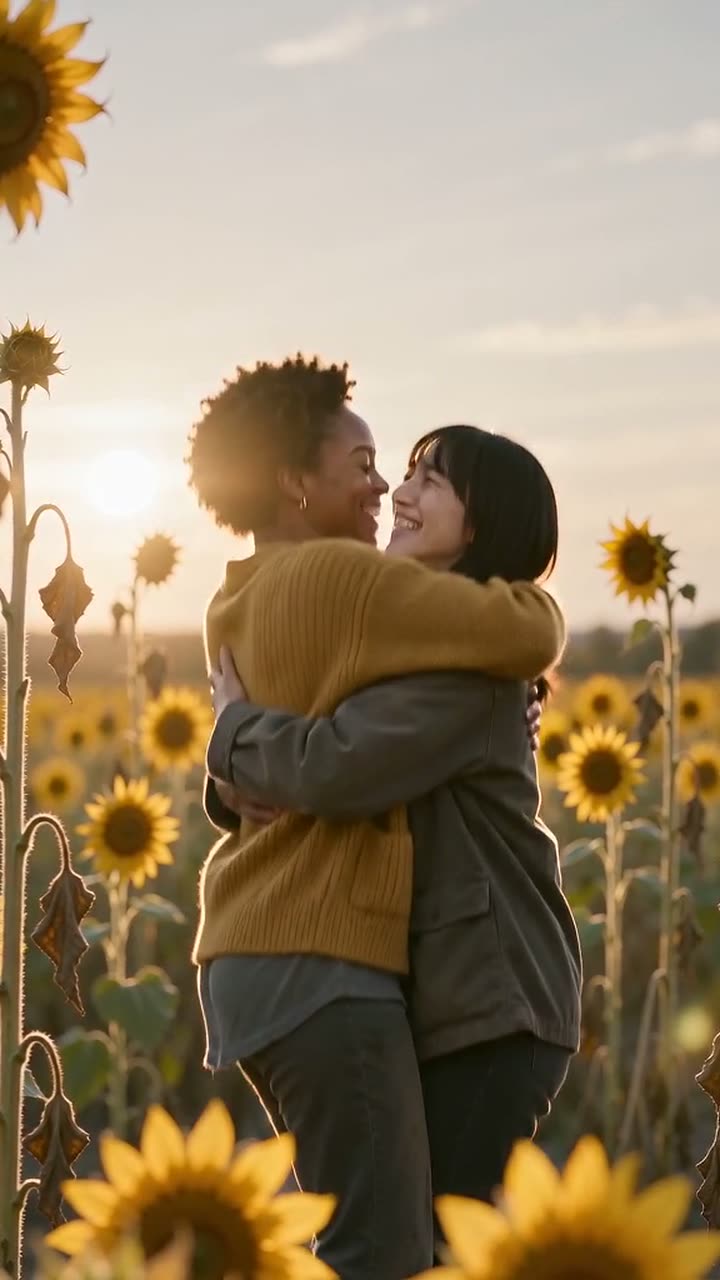
Upload two photos and pick the sunflower template. The video ends on the hug: the zombie embrace cuts to the same hug in a blooming sunflower field.
1 Upload two photos
One clear, front-facing face per photo. JPG, PNG or WebP, up to 10 MB.
2 Format
15 seconds · 720p · music included · no watermark · failed videos refunded
One of you, one of the person (or pet) who turns. Clear, front-facing faces work best.
Our fixed story template handles the zombie look, the lowered rifle, the hug and the memory cut. No prompt to write.
In about 2–3 minutes you get a 15-second MP4 with music, ready for TikTok, Reels or Shorts.
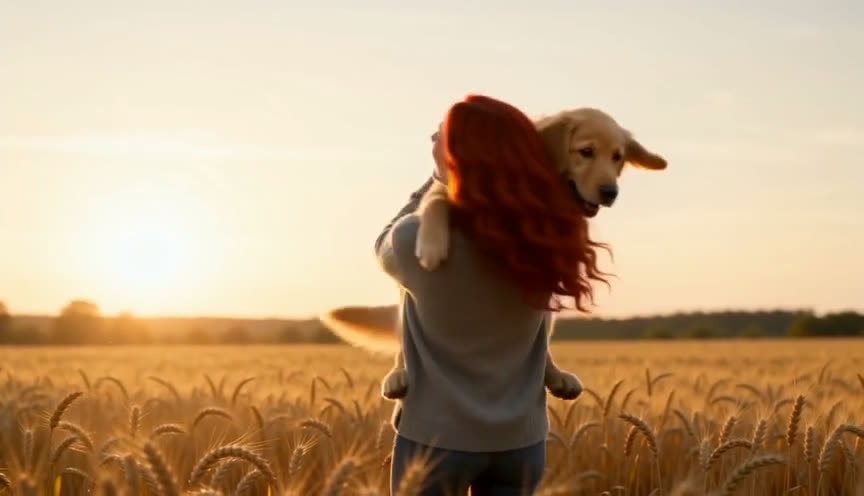
Frames from videos made with our templates. Faces stay recognisable through the zombie look and the memory cut.
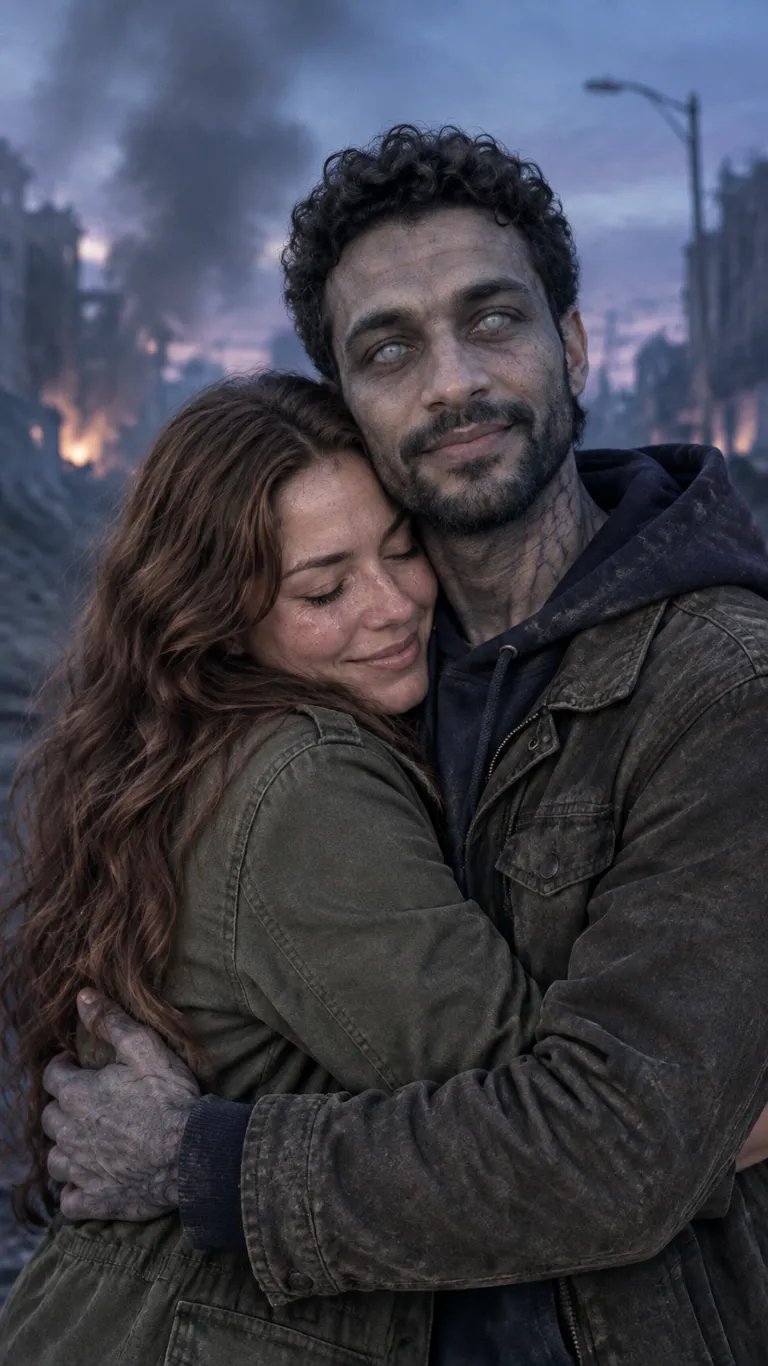

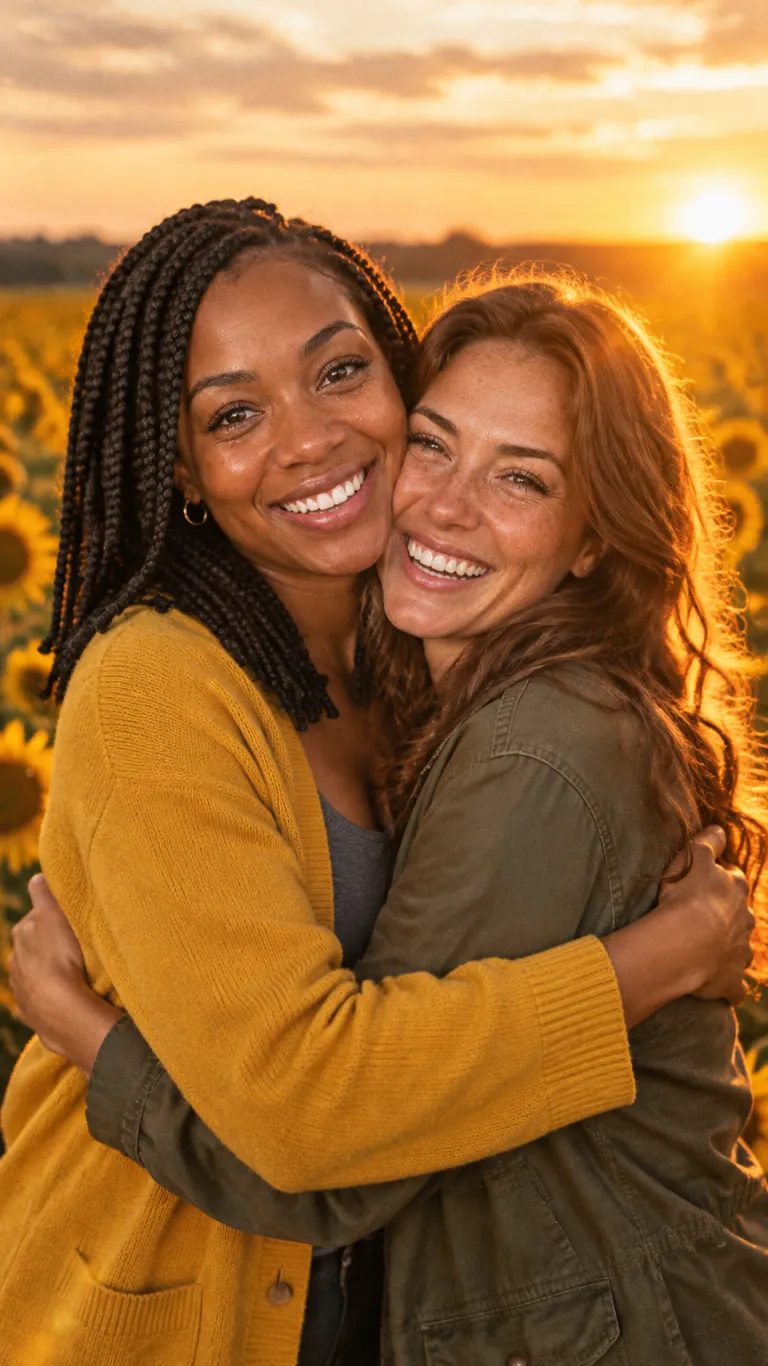

Wer geht auf wen zu, wo bleiben die Hände und wann entsteht Nähe? Plane eine verständliche Umarmung, bevor du ein externes Videowerkzeug nutzt.
Nenne die beiden einwilligenden Erwachsenen A und B. Lege fest, wer überlebt hat und wer als Zombie erscheint. Verlasse dich nicht auf „links im Bild“: Bei einem anderen Kamerawinkel kann diese Angabe die falsche Person bezeichnen.
Ein vertrautes Zurechtrücken des Ärmels kann das Wiedererkennen auslösen. Lass die Reaktion darauf sichtbar werden, bevor sich die Körper berühren. Ein ruhiger Schritt ist als Regieanweisung klarer als Rennen, Drehen und eine Kamerafahrt gleichzeitig.
Prüfe bei extern erstelltem Material besonders Hände, Schultern und Wangen im Moment der Überlagerung. Ein gutes Schlussbild sagt nichts über die Zwischenbilder aus. Vereinfache die Bewegung, falls das gewählte Werkzeug diese Änderung unterstützt.
Pay once, no subscription, no account. Credits never expire. Failed videos are refunded automatically.
$6.89
$6.89 per video
$14.98
$4.99 per video
$28.99
$5.80 per video
$99.89
$4.99 per video
Prices in USD. Taxes may apply at checkout. All plans
Upload two photos and pick the sunflower template. The video ends on the hug: the zombie embrace cuts to the same hug in a blooming sunflower field.
No. Upload, pay and download in the same browser. We create a private guest session for you automatically, so your videos stay listed under “Your videos” on this device.
One video is $6.89, 3 videos $14.98, 5 videos $28.99 and 20 videos $99.89. One-time payment, no subscription. If a video fails, the credit is refunded automatically.
Usually 2–3 minutes. The finished video is a 15-second MP4 at 720p with a music score, in vertical 9:16 or wide 16:9.
One clear, front-facing photo of each subject, good light, no sunglasses, one face per photo. Photo 1 is the survivor, photo 2 is the second person, who turns into the zombie.
No. Every template has a fixed, tested story: the zombie reveal, the lowered rifle, the hug and a hard cut to a warm memory. You only provide the photos.
No. The zombie look is cinematic but bloodless, there is no gunfire, and the story ends on a warm hug.
Photos are stored privately, used only to make your video, and deleted after generation. Finished videos are visible only to your session.
No. Everyone shown must be an adult who agreed to appear. Photos of minors are not allowed.