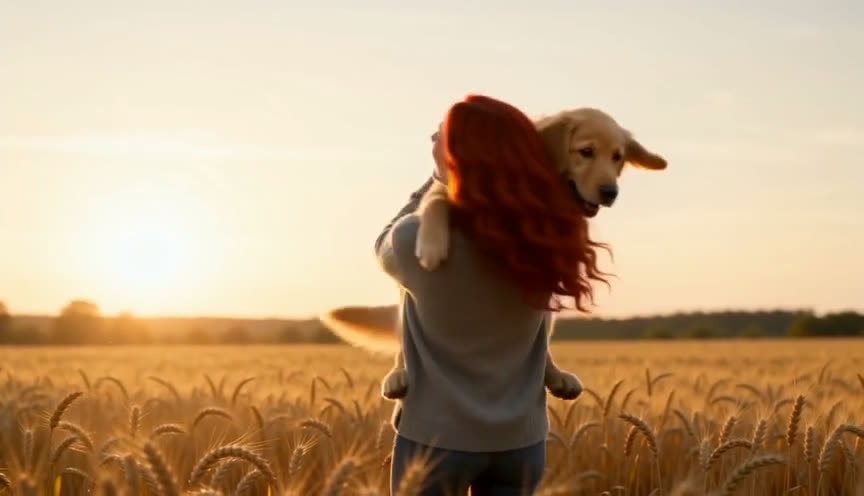
Single
$6.89
$6.89 per video
- 1 × 15s 720p video
- All templates, music included
- No watermark, instant download
 Zombie CoupleVIDEOS
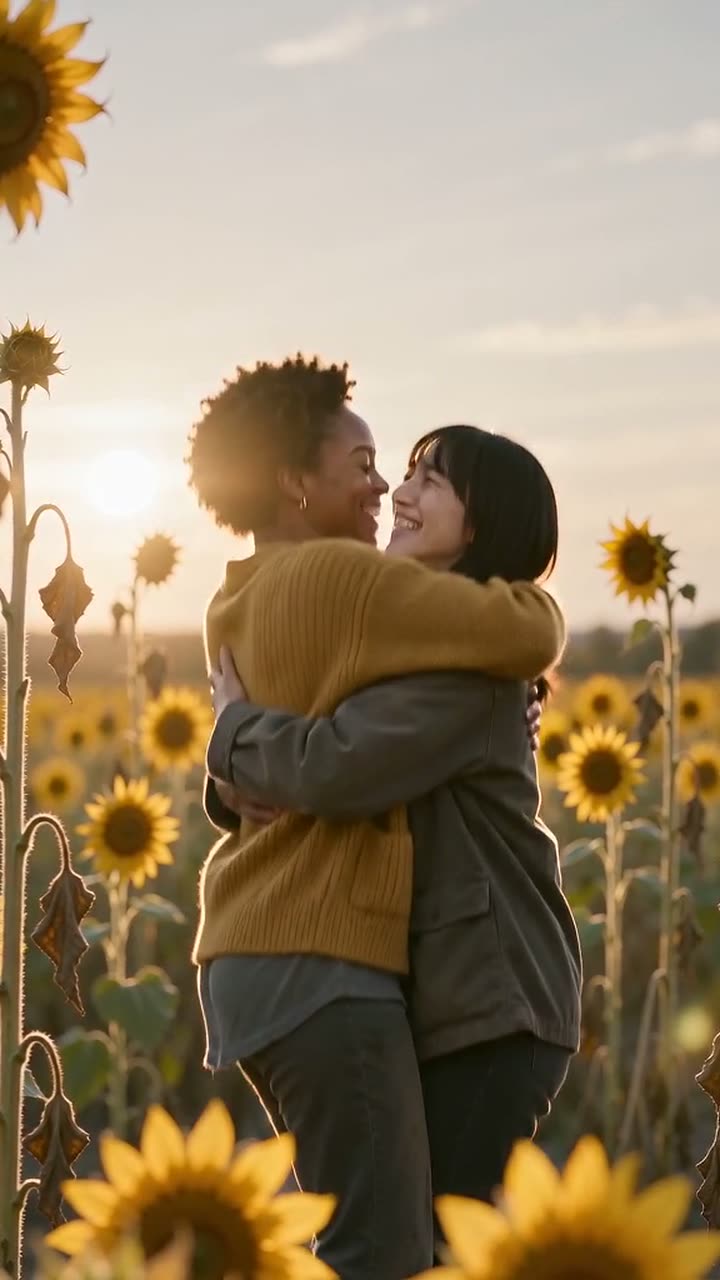
Withered field to golden sunflowers
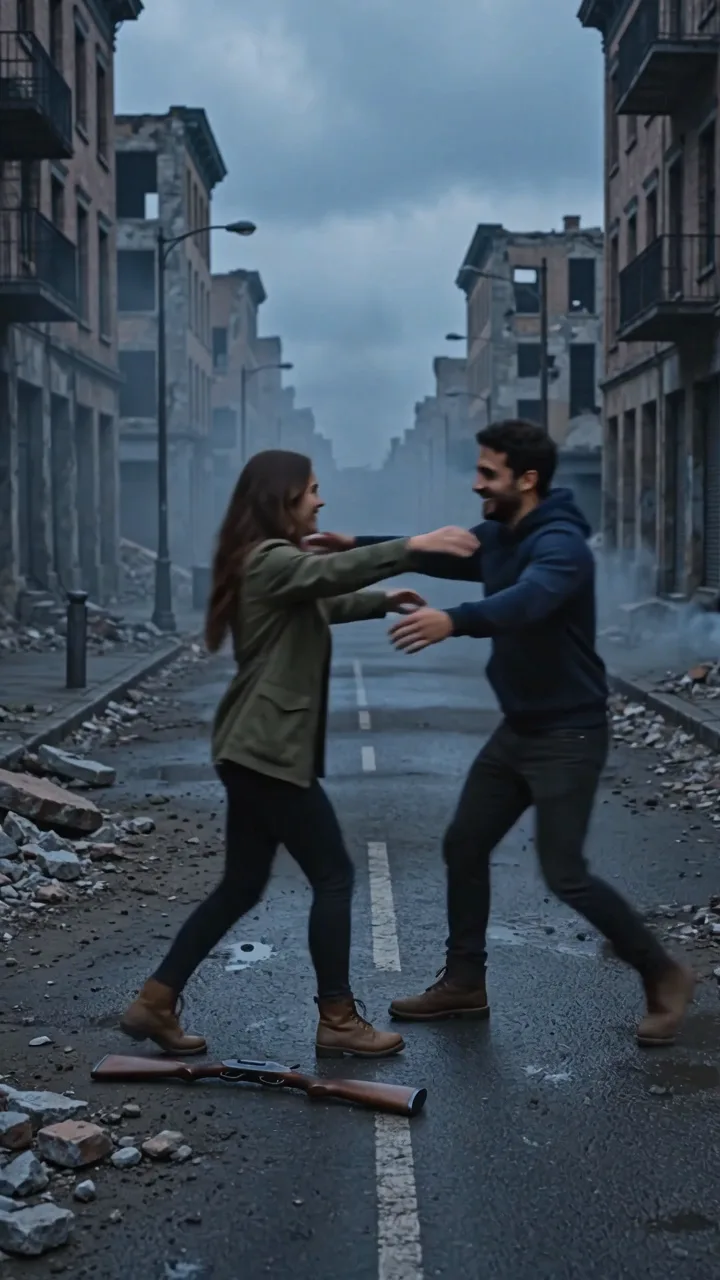
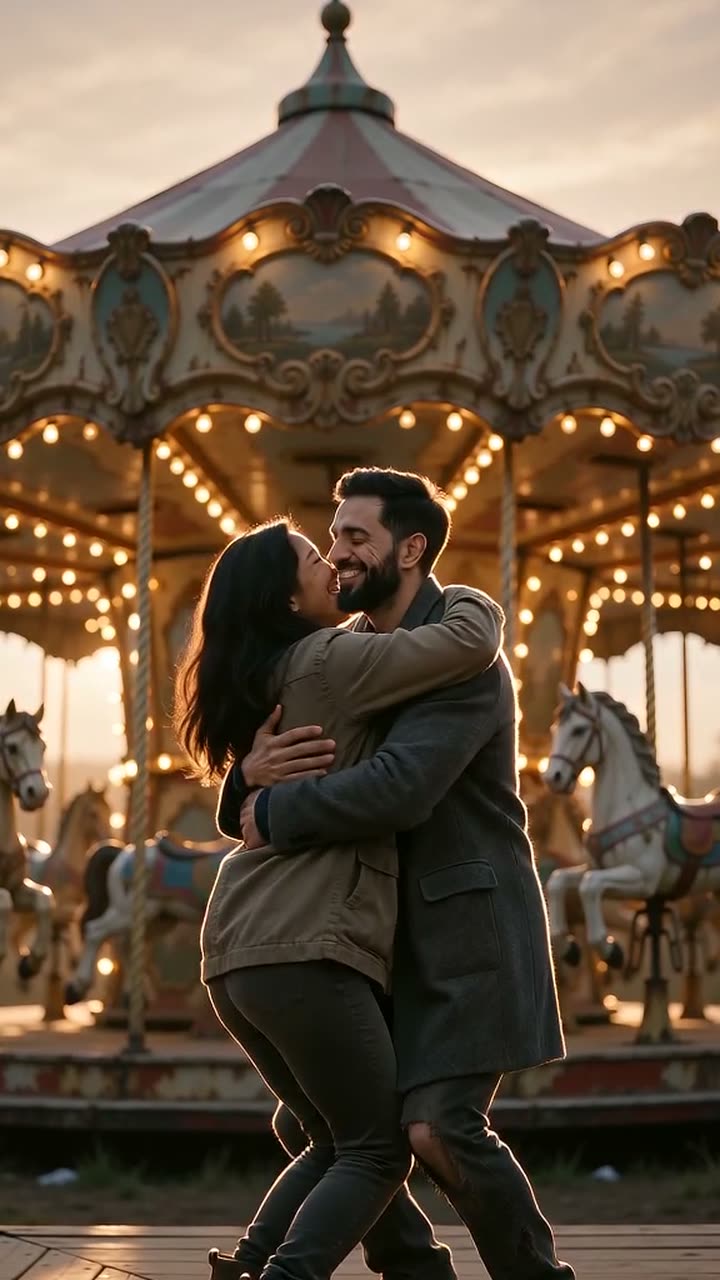
Upload two photos and pick the sunflower template. The video ends on the hug: the zombie embrace cuts to the same hug in a blooming sunflower field.
1 Upload two photos
One clear, front-facing face per photo. JPG, PNG or WebP, up to 10 MB.
2 Format
15 seconds · 720p · music included · no watermark · failed videos refunded
One of you, one of the person (or pet) who turns. Clear, front-facing faces work best.
Our fixed story template handles the zombie look, the lowered rifle, the hug and the memory cut. No prompt to write.
In about 2–3 minutes you get a 15-second MP4 with music, ready for TikTok, Reels or Shorts.
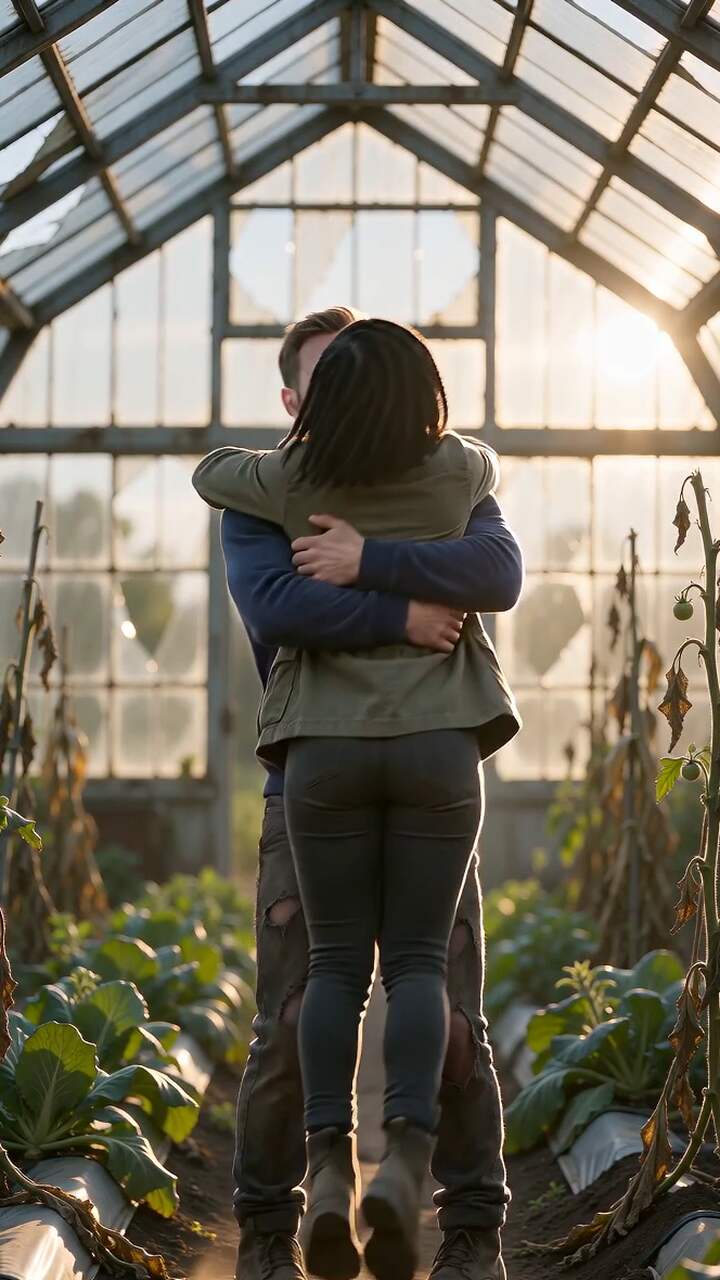
Frames from videos made with our templates. Faces stay recognisable through the zombie look and the memory cut.
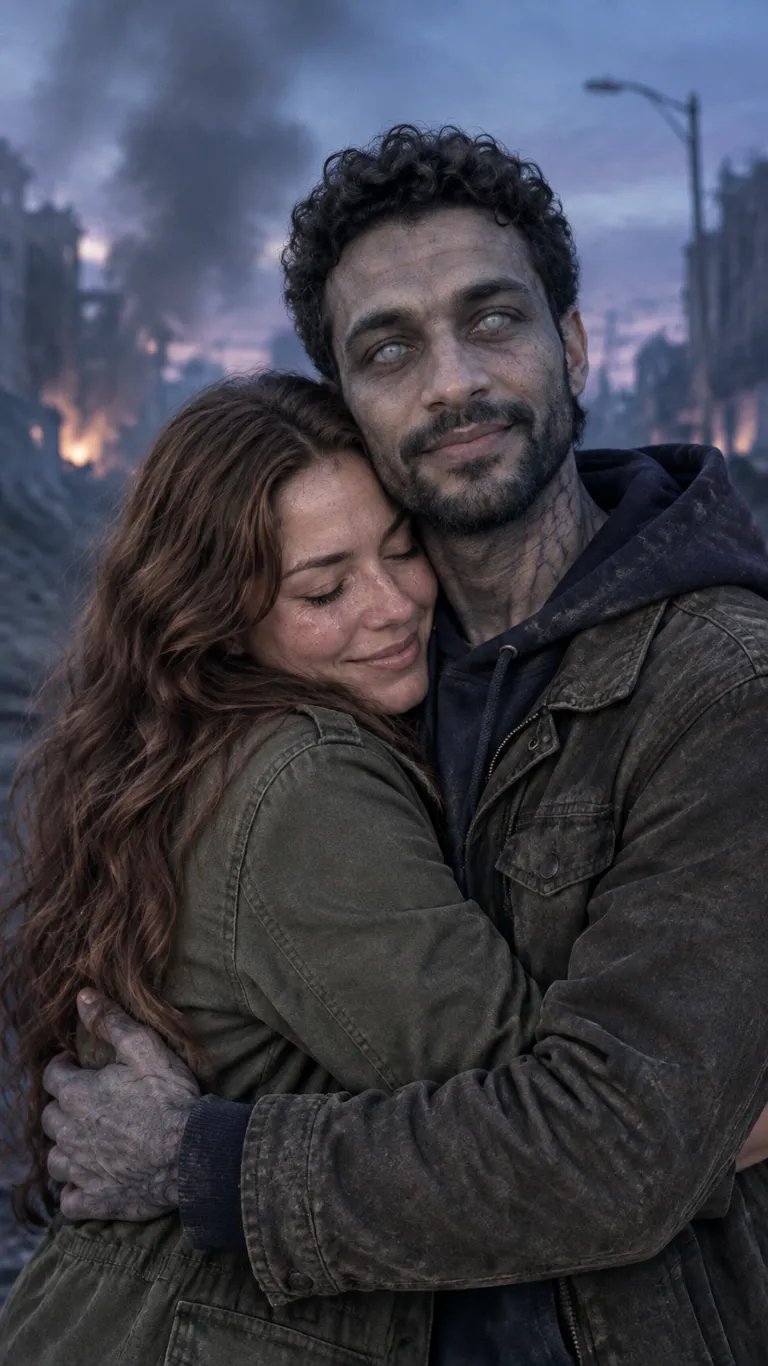
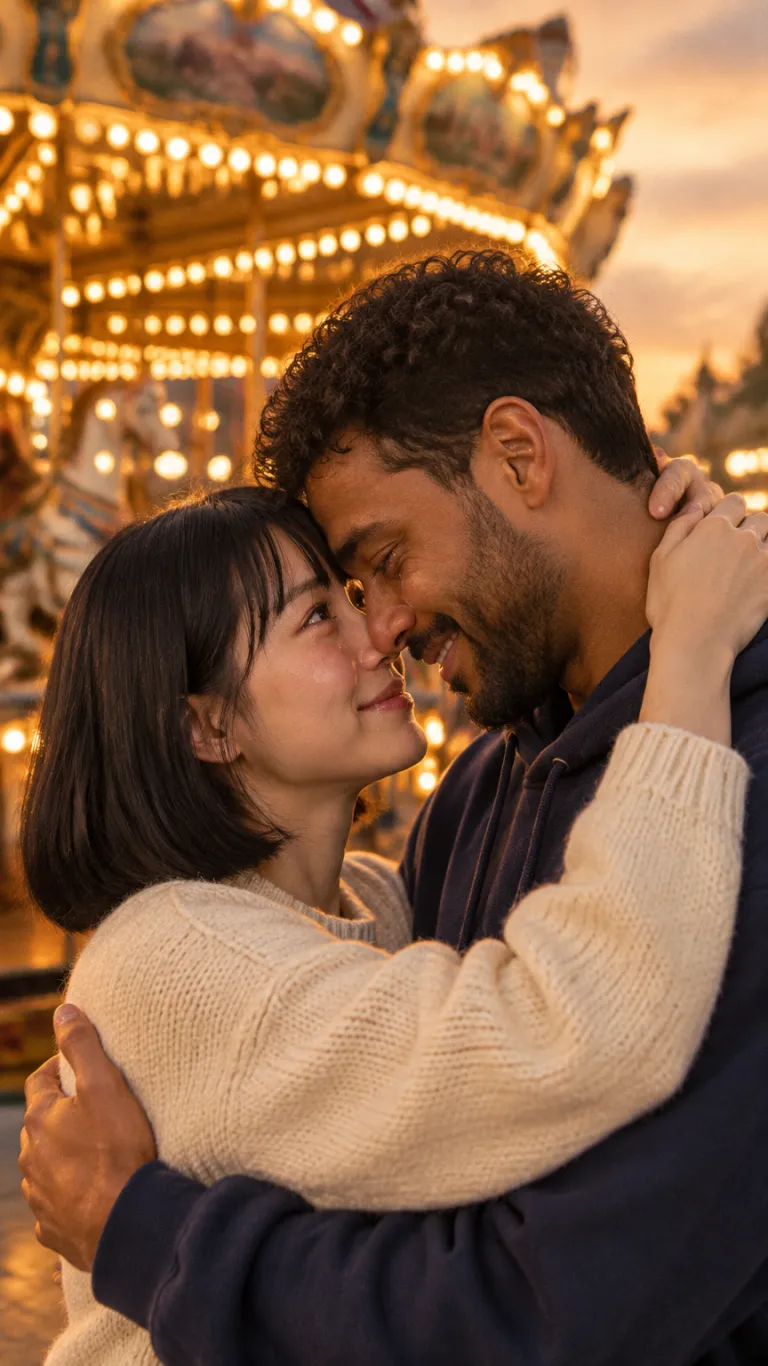
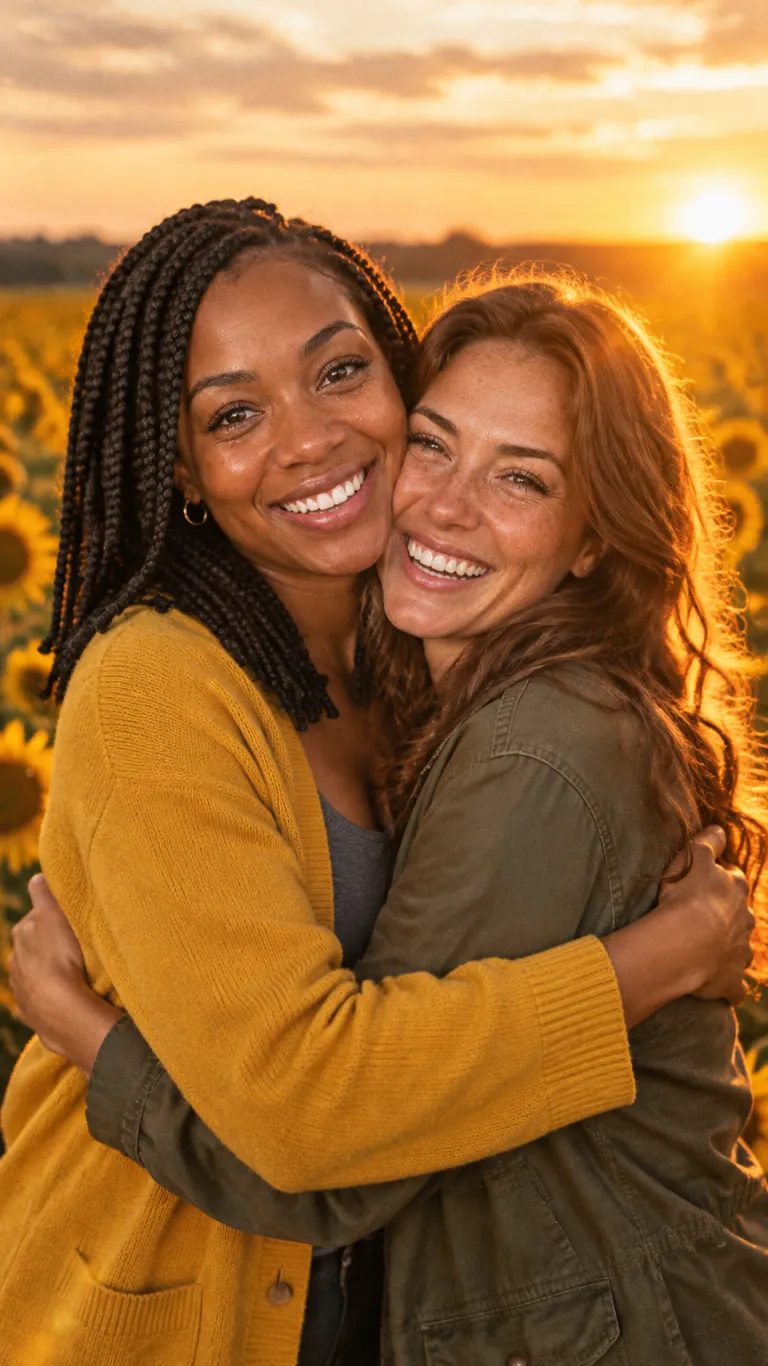

Plan a readable AI zombie hug with clear recognition, simple hand placement and a believable pause. Includes a shot brief and an inspection checklist.
Choose what changes the survivor’s mind. A familiar head tilt, a shared necklace or a hesitant smile can carry the moment. Give that cue its own shot or pause so the hug feels like a decision, rather than two bodies moving together.
Keep the zombie treatment away from the features that carry recognition. For a gentle romance, describe subdued skin color and worn clothes while leaving eyes and mouth readable. More damage is not automatically more emotion.
For an external tool that accepts image references, identify the two adults consistently as A and B. Describe who stays still, who approaches and where the visible hands end. Avoid asking for a spin, running approach, camera orbit and tight embrace in the same beat.
A side-on or gentle three-quarter composition can leave both faces visible. Decide which arm stays nearest the camera. If hands cannot be read, simplify the pose before adding more descriptive text.
This is an original directing note, not a tested model preset. Reference-image syntax and supported controls depend on your chosen tool. Our preview studio does not accept custom motion prompts.
Review the approach and first contact frame by frame. A convincing still at the end does not tell you whether the intervening hands or identities changed. Keep the last clean frame as a reference when deciding whether to shorten a shot.
Pay once, no subscription, no account. Credits never expire. Failed videos are refunded automatically.
$6.89
$6.89 per video
$14.98
$4.99 per video
$28.99
$5.80 per video
$99.89
$4.99 per video
Prices in USD. Taxes may apply at checkout. All plans
Upload two photos and pick the sunflower template. The video ends on the hug: the zombie embrace cuts to the same hug in a blooming sunflower field.
No. Upload, pay and download in the same browser. We create a private guest session for you automatically, so your videos stay listed under “Your videos” on this device.
One video is $6.89, 3 videos $14.98, 5 videos $28.99 and 20 videos $99.89. One-time payment, no subscription. If a video fails, the credit is refunded automatically.
Usually 2–3 minutes. The finished video is a 15-second MP4 at 720p with a music score, in vertical 9:16 or wide 16:9.
One clear, front-facing photo of each subject, good light, no sunglasses, one face per photo. Photo 1 is the survivor, photo 2 is the second person, who turns into the zombie.
No. Every template has a fixed, tested story: the zombie reveal, the lowered rifle, the hug and a hard cut to a warm memory. You only provide the photos.
No. The zombie look is cinematic but bloodless, there is no gunfire, and the story ends on a warm hug.
Photos are stored privately, used only to make your video, and deleted after generation. Finished videos are visible only to your session.
No. Everyone shown must be an adult who agreed to appear. Photos of minors are not allowed.